QR code guides, from first scan to final print.
Choose what you need to do. Make the code, check the destination, and test it where people will use it.
 Make a code of your own
On your phone? Tap here instead.
Make a code of your own
On your phone? Tap here instead.
Make something you can use.
Free resources. No account or email address needed.
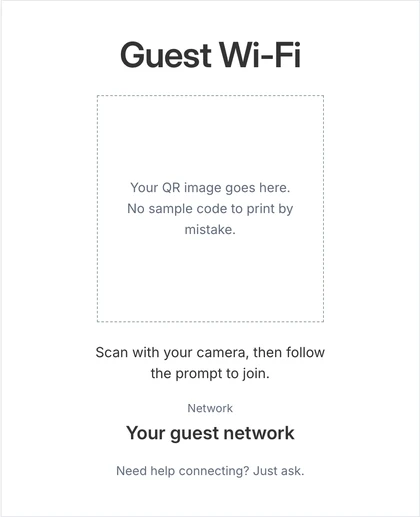
Guest Wi-Fi sign template
Add your own QR image and network name. Print a clean sign or save it as a PDF, entirely in your browser.
Printable 5 × 7-inch sign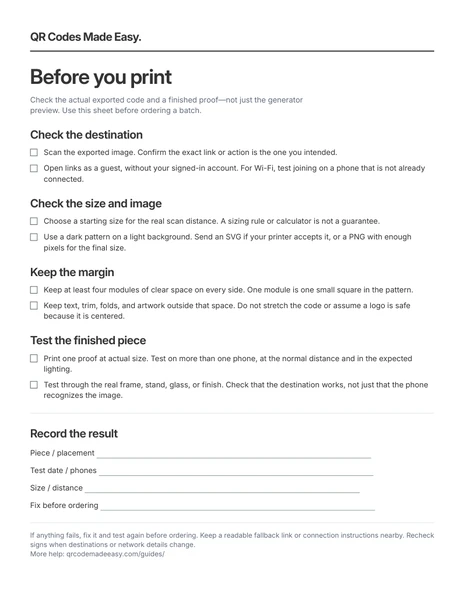
Before-you-print checklist (PDF)
Check the link, size, margin, and real placement before ordering a batch. Read the checklist online.
One-page PDF · free downloadReviews & customer feedback
Help customers find the right place to leave a review or send feedback.
Make a Google review QR code
Get the right link, use a neutral request, and check your sign.
Share a Google Form
Check the respondent link and sign-in requirements before printing.
Measure visits from QR links
Use tagged links without mistaking website visits for exact scans.
Menus & guest Wi-Fi
Make useful information easy to reach at a table, counter, or guest room.
Make a restaurant menu QR code
Choose a mobile menu or PDF and keep its address stable.
Share your guest Wi-Fi
Create the code, understand password exposure, and test joining.
Link to a PDF
Host the file where guests can open it without signing in.
Print & troubleshooting
Choose a starting size, protect the pattern, and test the finished piece.
Choose a QR code size for print
Work through distance, image resolution, and the blank margin.
Fix a QR code that will not scan
Separate a scanning problem from a broken destination.
Choose colors that scan
Start with a dark pattern on a light background.
Add a logo without guessing
Understand error correction and test the actual design.
Understand QR code expiration
A static pattern has no expiry; a destination still needs to work.
Business cards & promotion
Connect a printed piece to a profile, a conversation, or your next step.
Put a QR code on a business card
Choose a website link or contact card and leave enough print space.
Link to your LinkedIn profile
Compare a printable code with LinkedIn’s native option.
Add a QR code to a resume
Make it a useful extra, not a replacement for readable contact details.
Make a QR code for a flyer
Choose the destination and keep it away from folds and trimming.
Link to Instagram
Point to a profile, post, or a page with your other links.
Open a WhatsApp conversation
Get the number format and optional starter message right.
Link to a Telegram chat or channel
Use a public username or an appropriate phone link.
Open a text message
Create a draft; the messaging service depends on the devices.
Put a QR code on your website
Use a self-contained image snippet without extra hosting.
Start with your line of work.
See how the pieces fit together for restaurants, small businesses, or your industry.